Take Cosmic Truth everywhere
Install it on your home screen — your daily Vedic guidance, Panchanga and Acharya consultations open in one tap, just like an app. Free, and no app store needed.
Open Cosmic Truth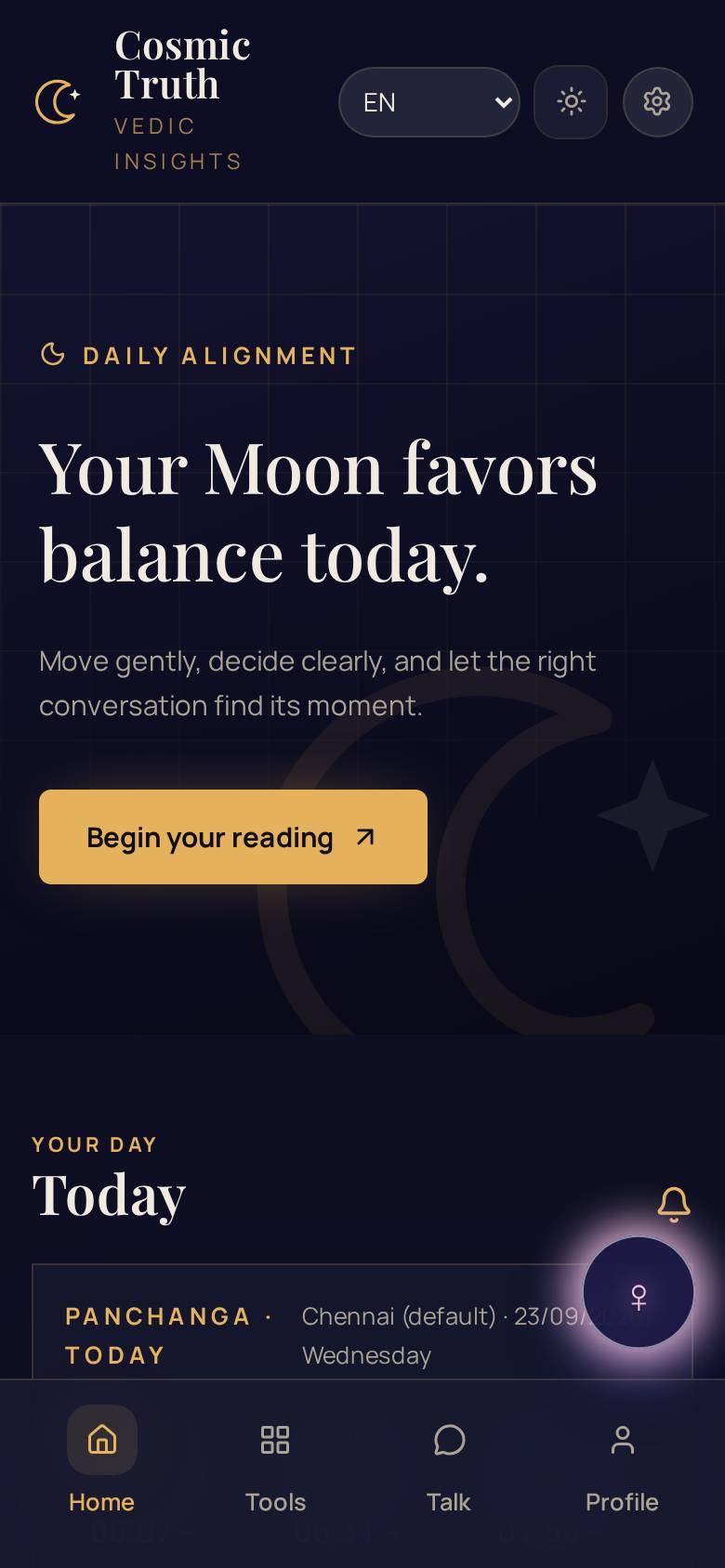
Android phones
Chrome · Edge · Samsung Internet
- 1.Open cosmictruth.xyz in Chrome on your Android phone.
- 2.Tap the ⋮ menu at the top right of the browser.
- 3.Tap “Install app” (or “Add to Home screen”).
- 4.Confirm — the Cosmic Truth icon appears on your home screen.
iPhone & iPad
Safari
- 1.Open cosmictruth.xyz in Safari on your iPhone or iPad.
- 2.Tap the Share icon — the square with an arrow pointing up.
- 3.Scroll down and tap “Add to Home Screen”.
- 4.Tap “Add” — the Cosmic Truth icon appears on your home screen.
On a computer?
Open cosmictruth.xyz in Chrome or Edge and click the install icon that appears at the right end of the address bar.
Free to install
The app itself costs nothing — you only pay for what you choose inside.
Works offline
Open your saved guidance even with a weak or missing network.
Your data stays yours
Sign in once and your profiles sync to your account on every device.
Already have the app? Your streak, profiles and readings follow your account — install on a new phone and sign in to pick up right where you left off.